

























































































BitBanda
4.7CCasual
Loading...
Loading Game...
BitBanda
Casual4.7
Description
Instructions
Categories
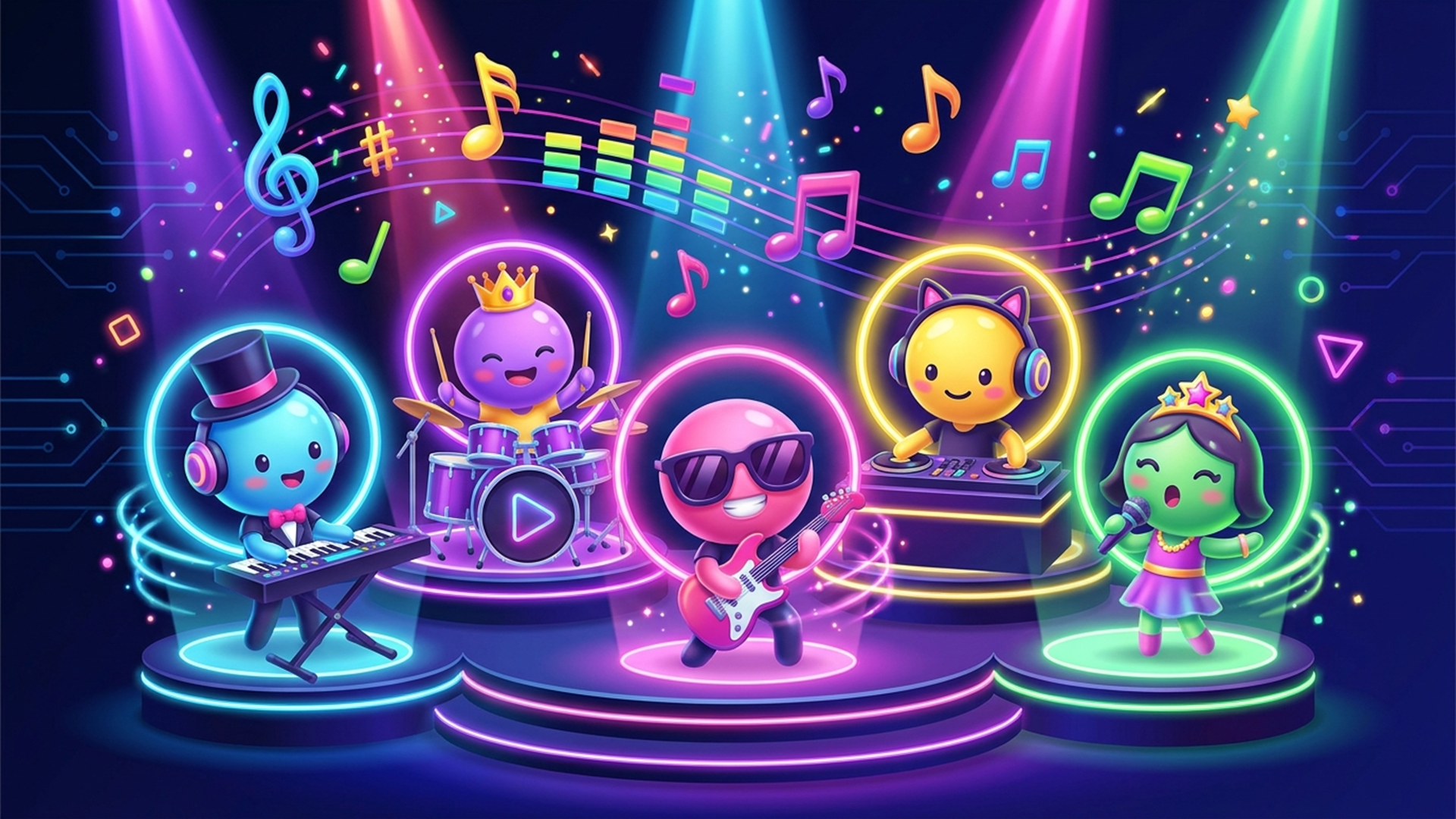
BitBanda is an interactive music studio in your pocket! 🎶 This innovative online game invites you to become a musical maestro without requiring any instrument skills. Just tap the vibrant sound cards at the bottom of your screen, and watch as cheerful musicians take the stage, creating harmonized tracks together. With a unique rhythm and key matching system, even novice players can produce captivating music from the very first tap.
Key Features of the Game
- No Skills Required: Seamlessly create music without any prior knowledge.
- Interactive Musicians: Enjoy lively performances from various musicians as you play.
- Sound Control: Adjust the volume of each artist, trigger solos, and mute instruments as needed.
- Sound Effects Tweaks: Experiment with filters, echoes, and reverberations.
- Bonus Unlocks: Hunt for secret sound combos to enhance your musical journey.
- Share Your Creations: Save your tracks or publish them to the Catalog for others to enjoy.
- Daily Challenges: Complete tasks to earn notes and unlock new content!
Why Players Love BitBanda
Players appreciate BitBanda for its accessibility and engaging gameplay. The ability to create unique tracks allows for a personalized experience, fostering creativity. The uncomplicated controls make it ideal for players of all ages, making it a go-to choice for casual and serious gamers alike. Its fun mechanics and the challenge of discovering hidden combinations prolong replayability, inviting users to revisit and refine their musical talents.How BitBanda Compares to Similar Games
Compared to other music games such as "Guitar Hero" and "DJ Hero," BitBanda offers a more relaxed, innovative way to engage with music creation. Unlike Guitar Hero, which focuses primarily on rhythm and precision with a guitar controller, BitBanda allows players to control a variety of musicians and sounds without the pressure of timing. Additionally, it stands out from DJ Hero by providing an accessible platform for anyone to experiment with mixing and arranging music, making it enjoyable whether you’re a pro or a novice.Frequently Asked Questions
What devices can I play BitBanda on?
You can play BitBanda on desktop, tablet, and mobile devices without any downloads or registrations.Is there a cost to play BitBanda?
No! BitBanda is free to play online.Do I need music skills to enjoy this game?
Not at all! BitBanda is designed for everyone, and you don’t need any music skills.Can I share my tracks with friends?
Yes! You can save your creations and publish them to the Catalog for others to listen to.What are sound combos?
Sound combos are secret combinations of sound cards that when tapped together, unlock bonuses and special features.Related Entities
- Music Games: Engaging titles focused on rhythm and melody.
- Simulation Games: Create and manage simulated environments or worlds.
- Creative Fun: Games that invite exploration of artistic and musical skills.
Instructions
PC Controls
- Tap the sound cards at the bottom of the screen to start musicians performing. Any combination will create harmonious sounds.
- Adjust the volume of each musician using the slider, trigger a solo performance (🎧), or mute any musician (🔉).
- Use effects like filter, echo, and reverb to change the sound quality.
Mobile Controls
- Tap on the corresponding sound cards to bring musicians to life.
- Control musicians using sliders to adjust their volume, tapping icons to solo or mute.
- Access the effects options by tapping the appropriate buttons on the screen.
Gameplay Steps
- Launch BitBanda on your device and select a playing area (desktop or mobile).
- Begin by tapping the various sound cards located at the bottom of the screen.
- Musicians will join the stage, and you'll be able to adjust their individual volumes, trigger solos, or mute them as desired.
- Experiment with sound effects like filter, echo, and reverb to personalize your track.
- Keep adding and arranging sounds into scenes until you’re happy with your mix.
- Tap "Track" to listen to your complete composition from start to finish.
- Seek out secret sound combos for bonuses and to launch party mode.
- Save your track or share it to the related Catalog for community interaction.
- Compete in daily challenges to earn extra notes and unlock new features.
Beginner Tips
- Start by experimenting with a few sound cards to hear how musicians interact with one another.
- Try various adjustments to understand how volume and effects alter the final sound.
- Don’t rush; feel free to explore different sound combinations to uncover hidden secrets.
- Regularly save your compositions to track your progress and improvements.
- Participate in daily challenges to familiarize yourself with the game while earning rewards.
Comments
Please Login to write a comment.
Loading...
Play next























Free Online Games at Gamesed
Gamesed features the latest and best free online games. You can enjoy playing fun games without interruptions from downloads, intrusive ads, or pop-ups. Just load up your favorite games in your web browser and start playing.