

























































































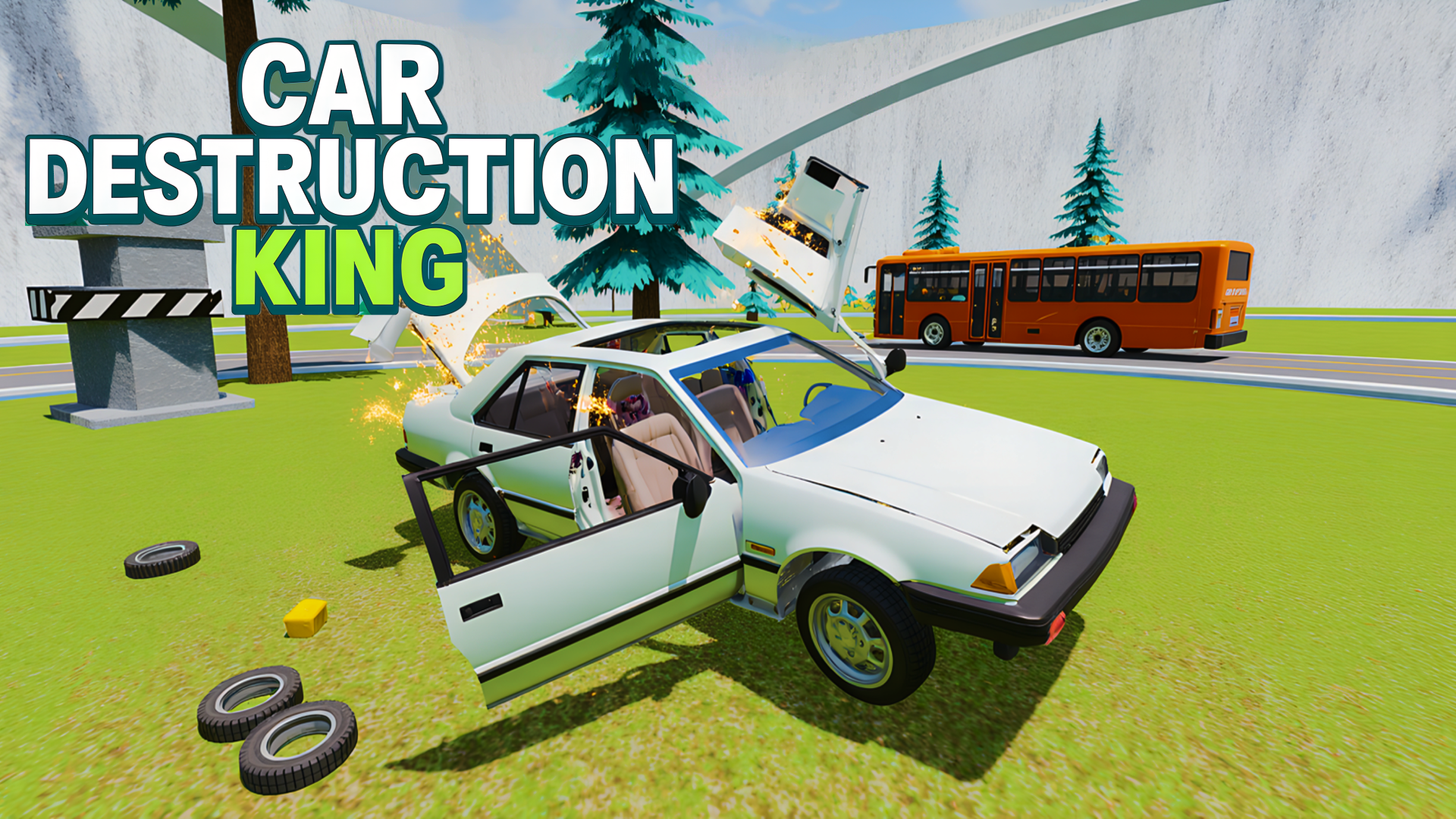
Car Destruction King
4.8RRacing
Loading...
Loading Game...
Car Destruction King
Racing4.8
Description
Instructions
Categories
Car Destruction King is an electrifying online game that puts players in the driver’s seat of various cars to test their limits in thrilling destruction challenges. Play it unblocked on Playgama without any downloads or registrations, making it accessible on desktop, tablet, and mobile devices! The game features different maps and modes that keep the excitement fresh as you zoom through races and tackle insurmountable obstacles like rotating hammers, catapults, and crushing presses.
Key Features of the Game
- Variety of Cars: Choose from a selection of cars, each offering a unique driving experience.
- Intense Obstacles: Face off against a range of obstacles that challenge your driving skills.
- Slow Motion Crashes: Engage the slow-motion feature for a realistic and cinematic demolition experience.
- Dynamic Maps: Explore multiple maps that add to the fun and challenge.
- Record-Breaking Races: Compete in races to set new personal records and show off your skills.
- Easy Access: No installation or registration required—just jump in and start playing!
Why Players Love Car Destruction King
Players are drawn to Car Destruction King for its delightful mix of adrenaline-pumping action and strategic gameplay. The easy accessibility allows players to enjoy a quick game session anytime, anywhere, catering to both casual gamers and those seeking a deeper challenge. The game’s blend of competitive racing and satisfying car destruction creates a fun factor that keeps players coming back for more.How Car Destruction King Compares to Similar Games
Compared to other games in the demolition racing genre, like Wreckfest and Burnout Paradise, Car Destruction King stands out for its browser-based format and instant playability. While Wreckfest offers a more detailed simulation and Burnout Paradise focuses on open-world exploration, Car Destruction King provides a straightforward and engaging experience that is perfect for casual players looking for quick, action-packed sessions.Frequently Asked Questions
How do I play Car Destruction King?
Simply visit the game page on Playgama and start playing in your browser—no downloads needed!What are the main controls for Car Destruction King?
Use WASD to drive, Spacebar for handbrake, Shift for nitro, and other keys for in-game functions.Is Car Destruction King suitable for mobile devices?
Absolutely! The game is optimized for play on mobile devices with an intuitive interface.Can I play Car Destruction King with friends?
Currently, it is a single-player experience, but competitive racing records can still ignite fun rivalries!What makes the gameplay unique?
The combination of various maps, obstacles, and slow-motion effects sets it apart from other racing games.Related Entities
Explore further categories that include action, racing, and simulation genres, as Car Destruction King encompasses elements from all these thrilling game types.Instructions
PC Controls
- WASD – to drive and navigate your car.
- Spacebar – to apply the handbrake and perform drifting maneuvers.
- Shift – to activate nitro boost for increased speed.
- C – to change camera angles for a better view.
- R – to reset your car position if you find yourself stuck.
- K – to restore your car in case of a flip or crash.
- N – to switch to a different car during gameplay.
- B – to activate slow-motion for epic crashing moments.
- TAB/Escape – to access the pause menu.
Mobile Controls
For mobile devices, simply use the complete gaming interface to control your car, utilizing various on-screen buttons for driving, camera angles, and special features.Gameplay Steps
- Navigate to the Car Destruction King game page on Playgama.
- Choose your preferred car and map before starting your adventure.
- Drive through the obstacles and challenges, using your skills to avoid crushing and crashing.
- Engage nitro boosts to enhance your speed and overtake opponents during races.
- Switch up camera angles to make the most of your driving experience and capture unforgettable moments.
- Try out the slow-motion feature when you’re about to crash for creative visual flair!
- Compete for the best records and aim to set new high scores with each run.
Beginner Tips
- Start with the easiest maps to get accustomed to the driving mechanics and controls.
- Practice using the slow-motion feature strategically during key moments to better gauge obstacles.
- Make use of the nitro boost wisely, saving it for crucial races or when exiting difficult areas.
- Don’t forget to explore different cars; each one offers different advantages for handling and speed.
- Regularly check the pause menu for game tips and settings to optimize your experience.
Comments
Please Login to write a comment.
Loading...
Play next


Free Online Games at Gamesed
Gamesed features the latest and best free online games. You can enjoy playing fun games without interruptions from downloads, intrusive ads, or pop-ups. Just load up your favorite games in your web browser and start playing.