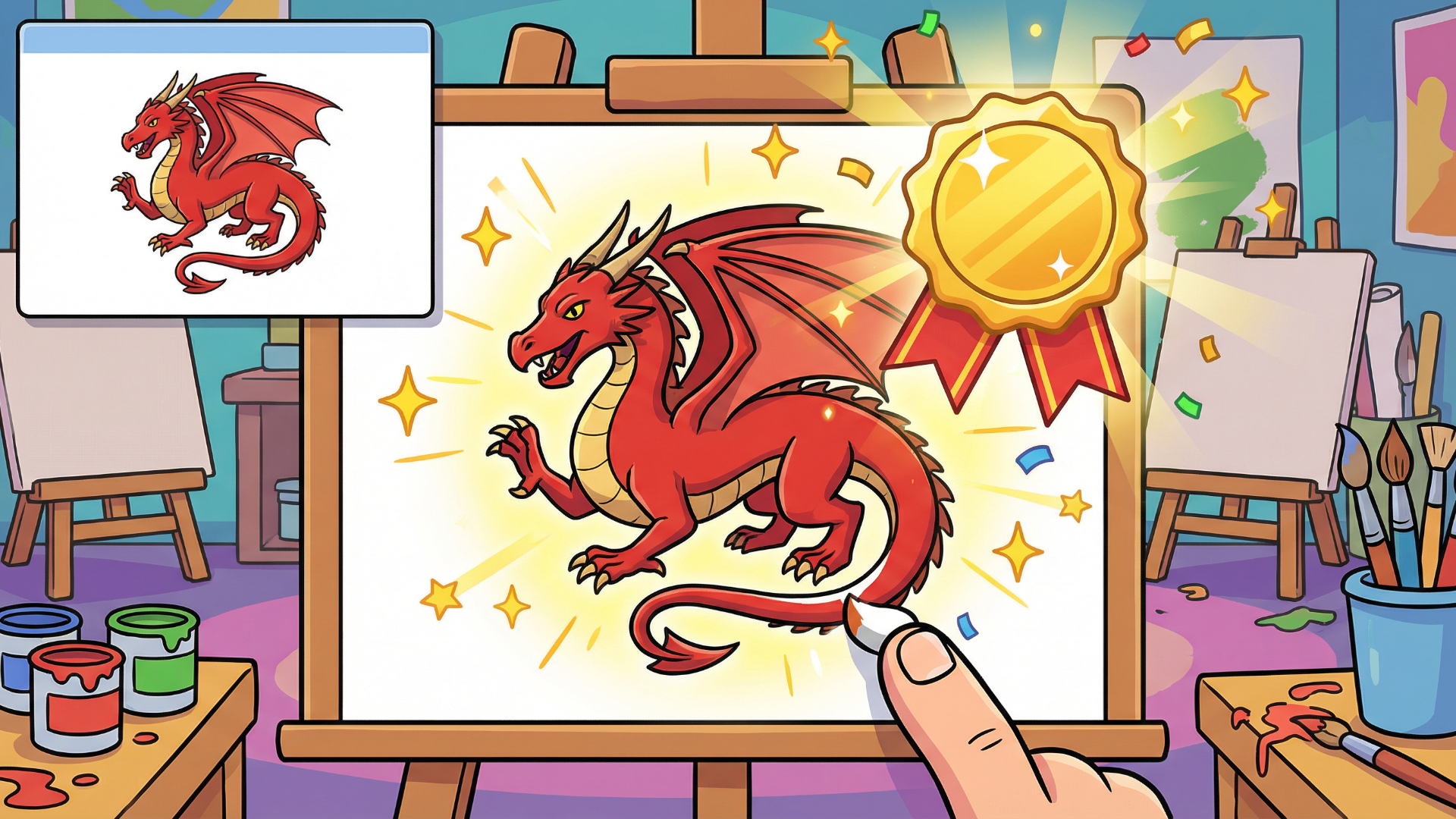
Copy the Drawing is an exhilarating online game where players recreate intricate drawings from examples presented at the top of the screen. With 300 dynamic levels spanning 18 captivating categories, players can hone their artistic skills while engaging in friendly competition. The game features gentle guidance with hints and supports players with three different brush sizes. Gold, silver, or bronze medals await, depending on accuracy! Join every day for a unique drawing challenge and build your streak! Exciting features such as an 'undo' option enhance the fun, while new levels unlock as your skills progress.
Key Features of the Game
- 300 Levels Across 18 Categories: Challenge yourself with varying drawing tasks ranging from simple shapes to complex themes.
- Daily Drawing Challenges: Compete with yourself daily and strive to be the best artist.
- Brush Size Options: Choose from three brush sizes for precision in your artwork.
- Undo Feature: Made a mistake? No problem—tap ‘Undo’ to remove the last stroke!
- Medal System: Earn medals based on your accuracy (bronze, silver, gold).
- Accessible on Any Device: Play seamlessly on desktop, tablet, or mobile with no downloads or registrations required.
Why Players Love Copy the Drawing
Players enjoy Copy the Drawing for its addictive gameplay that blends creativity with competition. Each session promises refreshing challenges that enhance players' drawing skills while providing endless fun. The simplicity of access means anyone can jump right in, making it a go-to choice for gamers seeking instant entertainment without complex procedures. Plus, the daily drawing keeps players engaged and motivated.
How Copy the Drawing Compares to Similar Games
Compared to other drawing games like ‘Draw Something’ and ‘Skribbl.io’, Copy the Drawing provides a structured experience where players can focus on improving their artistic skills level by level. While ‘Draw Something’ relies on multiplayer interactions, Copy the Drawing offers solo challenges perfect for honing one's skills without the pressure of competition. Unlike ‘Skribbl.io’, which relies heavily on word guessing, here the focus is on visual accuracy and creativity.
Frequently Asked Questions
What are the system requirements to play Copy the Drawing?
Copy the Drawing is browser-based, requiring no specific system requirements; it can run on any device with internet access.
Do I need to create an account to play?
No, the game is available for free and does not require registration.
Is there a limit to daily plays?
No, players can enjoy as many games as they like every day!
Can I reset my progress?
Currently, there’s no option to reset progress; however, new levels unlock as you advance.
Is there a mobile version of the game?
Yes, Copy the Drawing is optimized for both desktop and mobile devices.
Related Entities
Drawing Games, Puzzle Games, Casual Games, Skill Games, Educational Games.