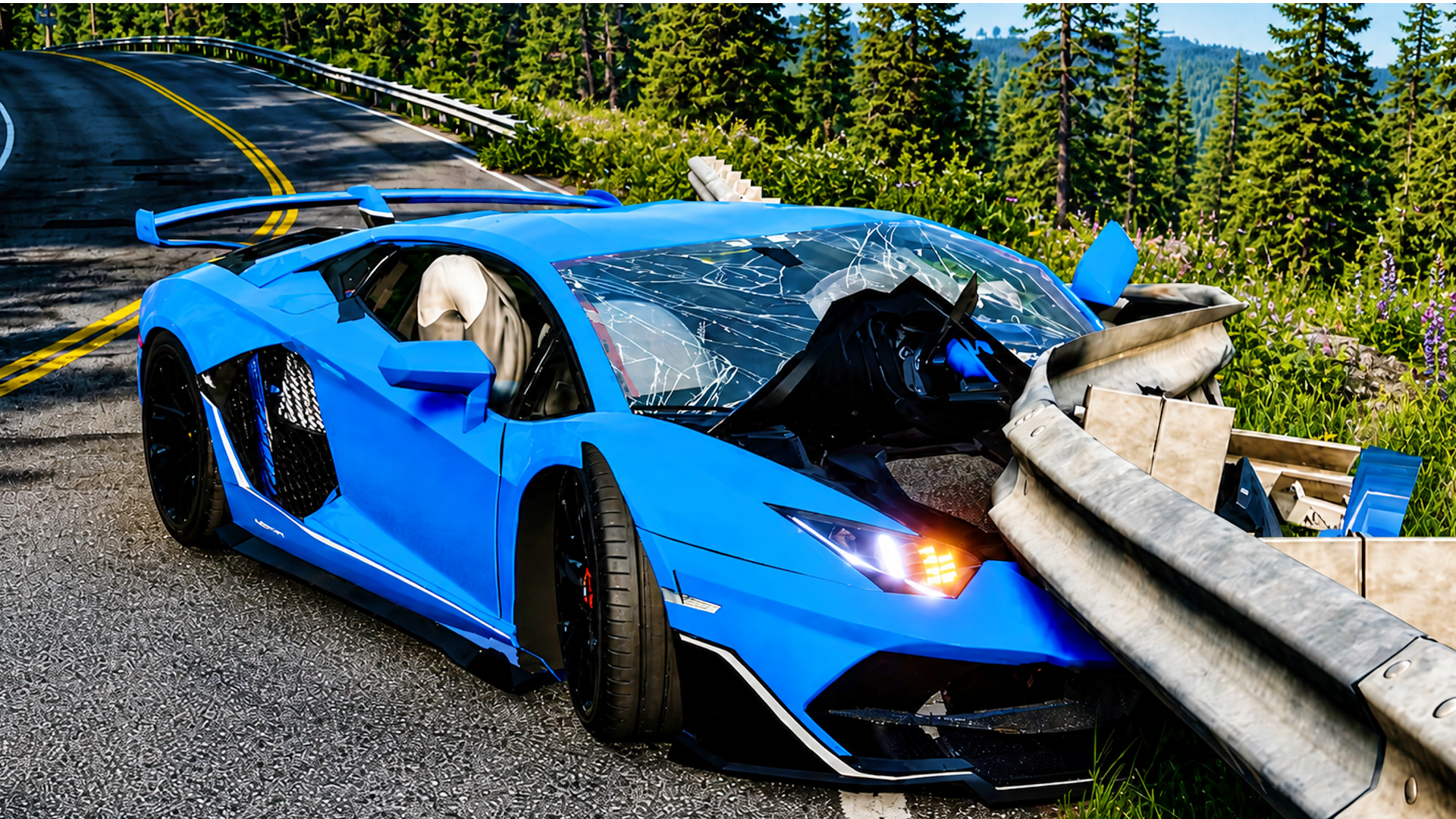
Crash Test Simulator 3D is an exhilarating online game that plunges players into the world of car crashes and destruction. Experience the thrill of driving various unique cars and watching them succumb to damage with realistic physics. You can test the durability of your vehicles as you navigate through several hazardous environments featuring extreme ramps, potholes, and explosive obstacles. Not only can you drive at high speeds, but also unleash chaos as you smash into other cars or overcome challenging terrains.
Key Features of the Game
- Realistic Car Physics: Experience authentic driving and destruction mechanics that enhance gameplay.
- Variety of Maps: Explore 7 different maps filled with challenges like ramps, pits, and tunnels.
- Customizable Vehicles: Select and customize from a diverse selection of cars, each with unique characteristics.
- Multiple Camera Angles: Switch between first-person, third-person, and other views for a personalized experience.
- Epic Time Dilation System: Slow down time to witness spectacular car crashes in detail.
- Varied Destruction Mechanics: Enjoy different methods to demolish vehicles while navigating the crash test scenarios.
Why Players Love Crash Test Simulator 3D
Players are drawn to Crash Test Simulator 3D for its engaging gameplay that combines speed with destruction. The unique time dilation system allows for dramatic crash moments, while the variety of maps keeps the experience fresh. Additionally, the game does not require downloads or registrations, making it easily accessible on any device. This has contributed to its status as a favorite among gamers worldwide, encouraging replayability and creative experimentation with crashes.
How Crash Test Simulator 3D Compares to Similar Games
Similar to games like BeamNG.drive and Car Crash Simulator, Crash Test Simulator 3D offers players the thrill of car destruction in a more easily accessible format. While BeamNG.drive features more in-depth simulations and Car Crash Simulator provides fun but limited challenges, Crash Test Simulator 3D excels in delivering fast-paced fun combined with an exhilarating variety of environments and unique vehicles, all in a browser-ready format.
Frequently Asked Questions
What is Crash Test Simulator 3D?
Crash Test Simulator 3D is a browser-based game that allows players to experience high-speed car crashes and destruction.
Can I play it on mobile devices?
Yes, Crash Test Simulator 3D is optimized for play on desktop, tablet, and mobile devices.
Do I need to download anything to play?
No, the game is available online without any downloads required.
Are there different cars available?
Yes, players can choose from a variety of cars, each with unique damage capabilities.
What are the key controls for the game?
Players can drive using standard keyboard inputs or mobile controls for a seamless experience.
Related Entities
Explore other genres like Simulation, Racing, and Action to find similar engaging experiences.