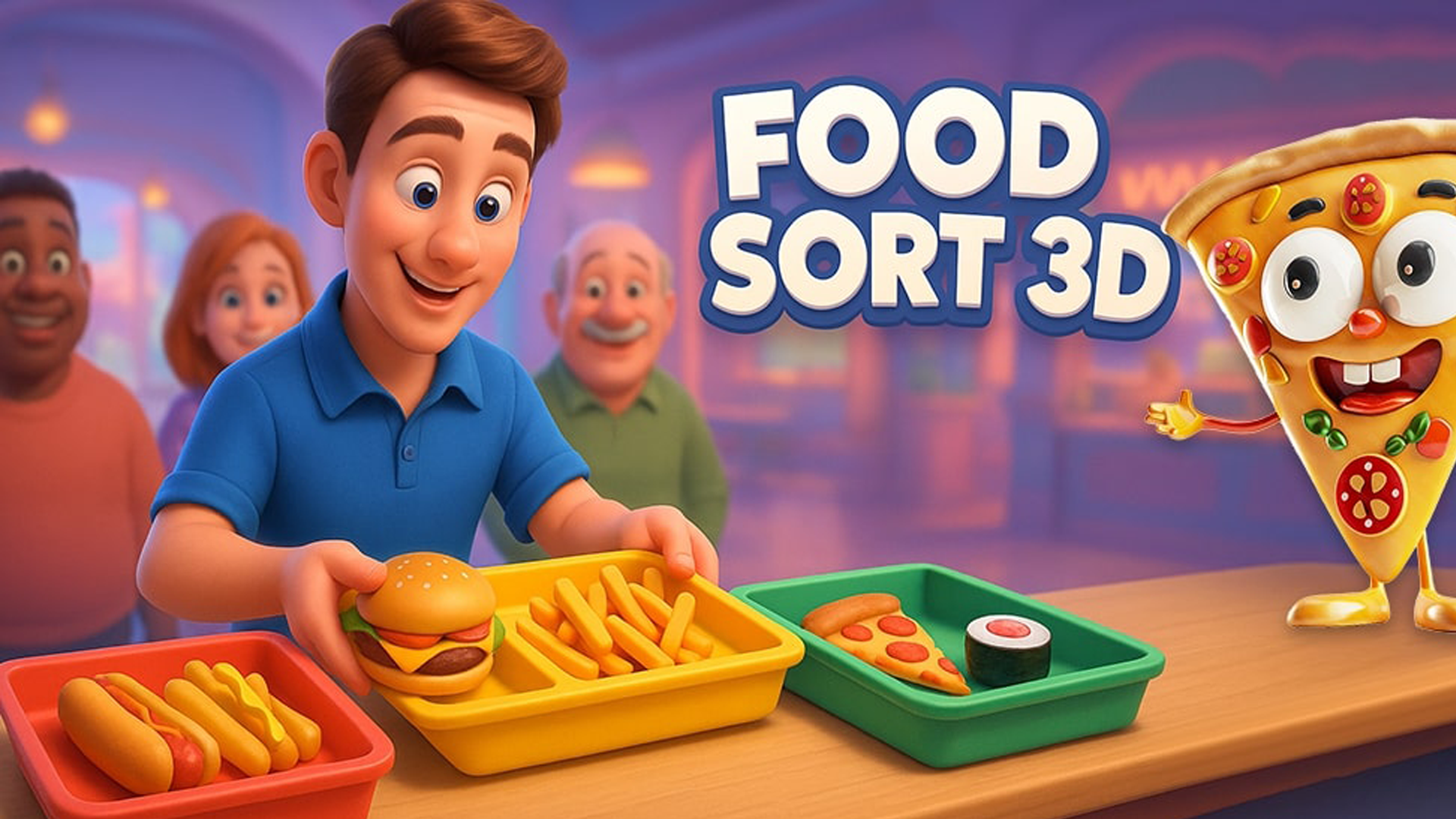
Food Sort 3D is an engaging online game where players assume the role of a food court manager, tasked with sorting a variety of food items into their respective categories. This vibrant game is characterized by a range of eateries, from bustling fast-food outlets to elegant dining establishments, each presenting unique challenges. Whether you're organizing burgers, sushi, hotdogs, fries, pizza, or desserts, the colorful graphics and quick-paced levels ensure that players remain captivated. Available unblocked on Playgama, Food Sort 3D offers a seamless gaming experience on desktop, tablet, and mobile devices. Join the fun today and see why this game has captured the hearts of gamers around the world! 🌍
Key Features of the Game
- Colorful Graphics: Eye-catching visuals that enhance your gaming experience.
- Varied Food Items: Sort a wide array of delicious foods with unique animations.
- Different Eateries: Explore fast-food joints and upscale restaurants as you play.
- No Downloads Required: Experience the game seamlessly online without registration.
- Compatible Across Devices: Play on desktop, tablet, or mobile devices with ease.
Why Players Love Food Sort 3D
Players enjoy Food Sort 3D for its fun and addictive gameplay that encourages quick thinking and organization skills. The fast-paced nature and colorful visuals keep the experience fresh, encouraging repeated play. Additionally, the game's accessibility, with no downloads or sign-ups, makes it an easily approachable choice for a quick gaming session, whether at home or on the go.
How Food Sort 3D Compares to Similar Games
Compared to similar titles like "Baker’s Diner" and "Restaurant Rush," Food Sort 3D focuses heavily on sorting mechanics rather than time management. While Baker’s Diner incorporates cooking elements and Restaurant Rush emphasizes speed, Food Sort 3D’s unique challenge lies in categorizing items with a vibrant, colorful flair. Players who enjoy sorting games will find this title particularly rewarding.
Frequently Asked Questions
What is Food Sort 3D?
Food Sort 3D is an online game where players sort various food items into their respective categories in a colorful food court environment.
How do you play Food Sort 3D?
Players drag and drop food items using a mouse or touchscreen, sorting them based on categories.
Is Food Sort 3D free to play?
Yes, Food Sort 3D is available to play for free on Playgama, with no downloads or registrations required.
Can I play Food Sort 3D on my phone?
Absolutely! Food Sort 3D is designed for optimal play on desktop, tablet, and mobile devices.
What types of food can I sort in the game?
You'll encounter a range of foods including burgers, sushi, hotdogs, fries, pizza, and desserts.
Related Entities
- Food Sorting Games
- Casual Gaming
- Puzzle Games
- Fun and Addictive Online Games
- Colorful Arcade Games