

























































































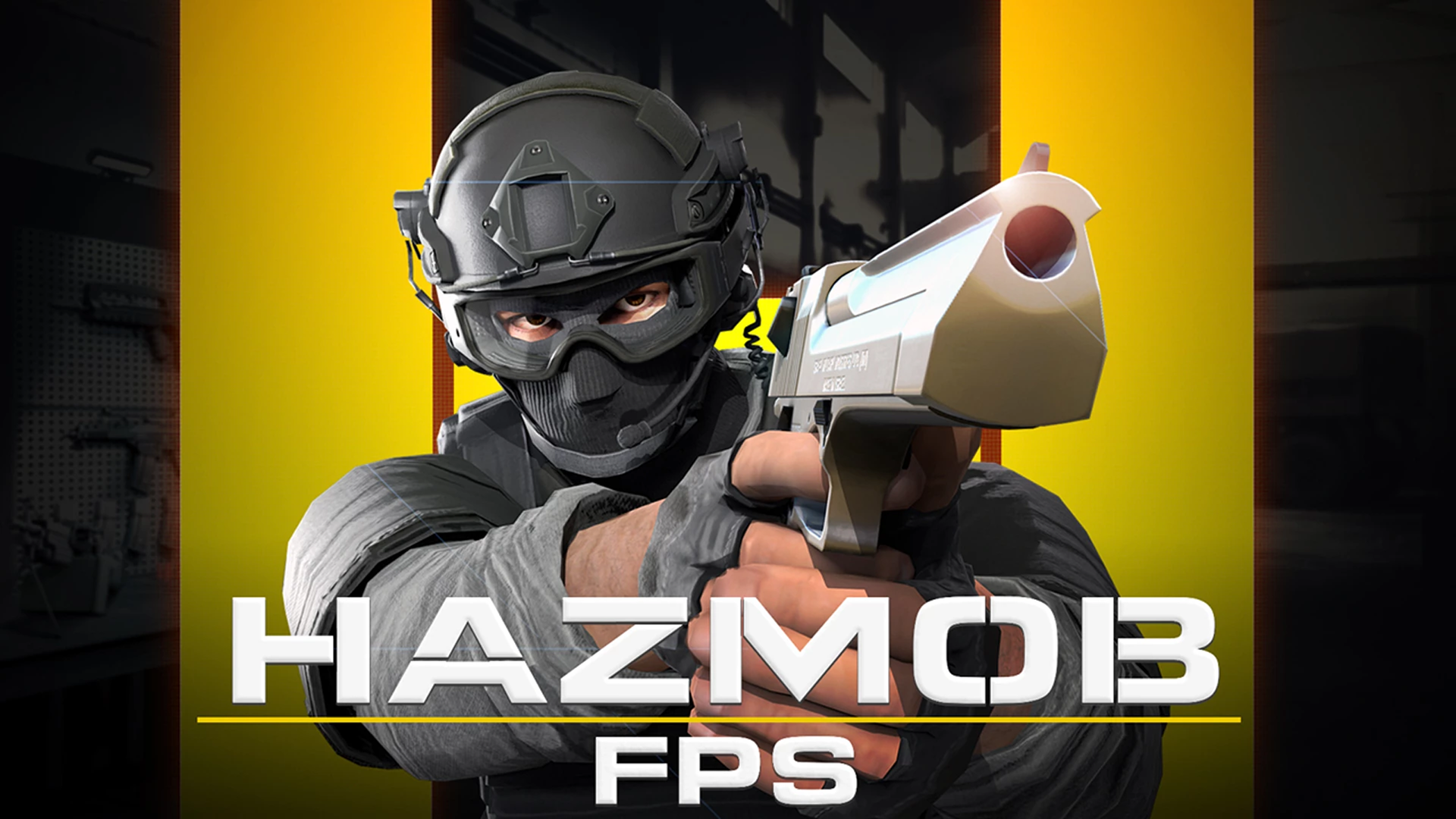
Hazmob FPS: Online Shooter
4.9AAction
Loading...
Loading Game...
Hazmob FPS: Online Shooter
Action4.9
Description
Instructions
Categories
Hazmob FPS is an exhilarating multiplayer first-person shooter that brings you intense combat right in your browser. Engage with players from around the globe in a variety of fast-paced game modes that challenge your reflexes and skills. Whether you're playing on a desktop, mobile, or tablet, this action-packed game guarantees an unforgettable experience.
Key Features of the Game
- Dynamic Gameplay: Experience real-time battles with players from all over the world.
- Multiple Game Modes: Choose from Team Deathmatch, Capture the Flag, Search and Destroy, and many more.
- Intuitive Controls: Navigate the battlefield with a fluid control system designed for both beginners and seasoned players.
- Vibrant Graphics: Immerse yourself in stunning 3D environments that elevate the FPS experience.
- Tactical Combat: Utilize various maps tailored for fast-paced, close-quarters engagements.
- Skill Variety: Switch between weapons and skills to adapt to the ever-changing dynamics of battle.
Why Players Love Hazmob FPS
Players adore Hazmob FPS for its thrilling gameplay and high replayability. Each match offers a fresh encounter, and the diverse game modes ensure there’s always something new to try. The accessibility of playing directly in a browser boosts its appeal, allowing gamers to jump straight into the action without installation hassles.How Hazmob FPS Compares to Similar Games
Hazmob FPS stands out in the competitive FPS genre, resembling popular titles like Call of Duty Mobile and Counter-Strike. While games like Call of Duty offer expansive campaigns and cinematic experiences, Hazmob FPS focuses intensely on multiplayer battles, making it ideal for gamers who thrive on quick reflexes and teamwork.Frequently Asked Questions
What are the system requirements to play Hazmob FPS?
Hazmob FPS runs directly in your browser, so you only need a stable internet connection and a modern browser to start playing.Can I play Hazmob FPS on mobile devices?
Yes! Hazmob FPS is designed to work seamlessly on both desktop and mobile devices, allowing for a great gaming experience on the go.What game modes are available in Hazmob FPS?
You can engage in various exciting game modes: Team Deathmatch, Search and Destroy, Capture the Flag, Domination, Free for All, Elimination, and Gun Race.Is there a ranking system in Hazmob FPS?
Absolutely! Players can check their rankings on the leaderboard, promoting a competitive spirit among gamers.How can I improve my skills in Hazmob FPS?
Practice is key! Regularly playing different modes will enhance your reflexes. You can also experiment with different weapons to find what suits your style best.Related Entities
- Shooting Games: Explore other popular FPS titles for more intense shooting action.
- Multiplayer Games: Discover various multiplayer games that focus on cooperative and competitive play.
- 3D Games: Immerse yourself in other 3D experiences that bring environments and characters to life.
Instructions
PC Controls
- WASD = Move
- Space = Jump
- Left Mouse = Shoot
- Right Mouse / V = Aim
- P = Leaderboard, Pause, and Settings
- G = Pick Up the Gun
- C = Crouch
- Shift = Run
- 1, 2, 3 = Switch Weapons
- 4, 5, 6 = Skills
- E = Alternative Skills
- Q = Alternative Skills
Mobile Controls
On mobile devices, controls are simplified and touch-based. The left side of the screen generally handles movement, while buttons on the right allow shooting and skill activation. Familiarize yourself with your device’s touch configuration for optimal gameplay.Gameplay Steps
- Start the Game: Launch Hazmob FPS through your browser at Playgama.
- Choose Your Game Mode: Select from various modes like Team Deathmatch or Capture the Flag based on your preference.
- Select a Map: Once in a game mode, choose from the available maps designed for fast-paced action.
- Spawn In: Enter the battlefield and prepare for action!
- Engage Your Enemies: Use your controls to move, aim, and shoot while making strategic decisions to outmaneuver opponents.
- Collect Weapons: Pick up different weapons around the map as needed to adapt to the battle.
- Try Diverse Strategies: Depending on your team, consider working together or going solo to maximize your chances of winning.
Beginner Tips
- Practice Regularly: Familiarize yourself with the maps and controls to improve your performance.
- Utilize Cover: Take advantage of walls and obstacles to avoid getting hit.
- Communicate with Your Team: If you’re playing a team mode, use voice or chat communication to coordinate.
- Switch Weapons: Experiment with different weapons to find your best fit and adapt based on the situation.
- Stay Aware: Always keep an eye on your surroundings for incoming enemies and power-ups.
Comments
Please Login to write a comment.
Loading...
Play next























Free Online Games at Gamesed
Gamesed features the latest and best free online games. You can enjoy playing fun games without interruptions from downloads, intrusive ads, or pop-ups. Just load up your favorite games in your web browser and start playing.