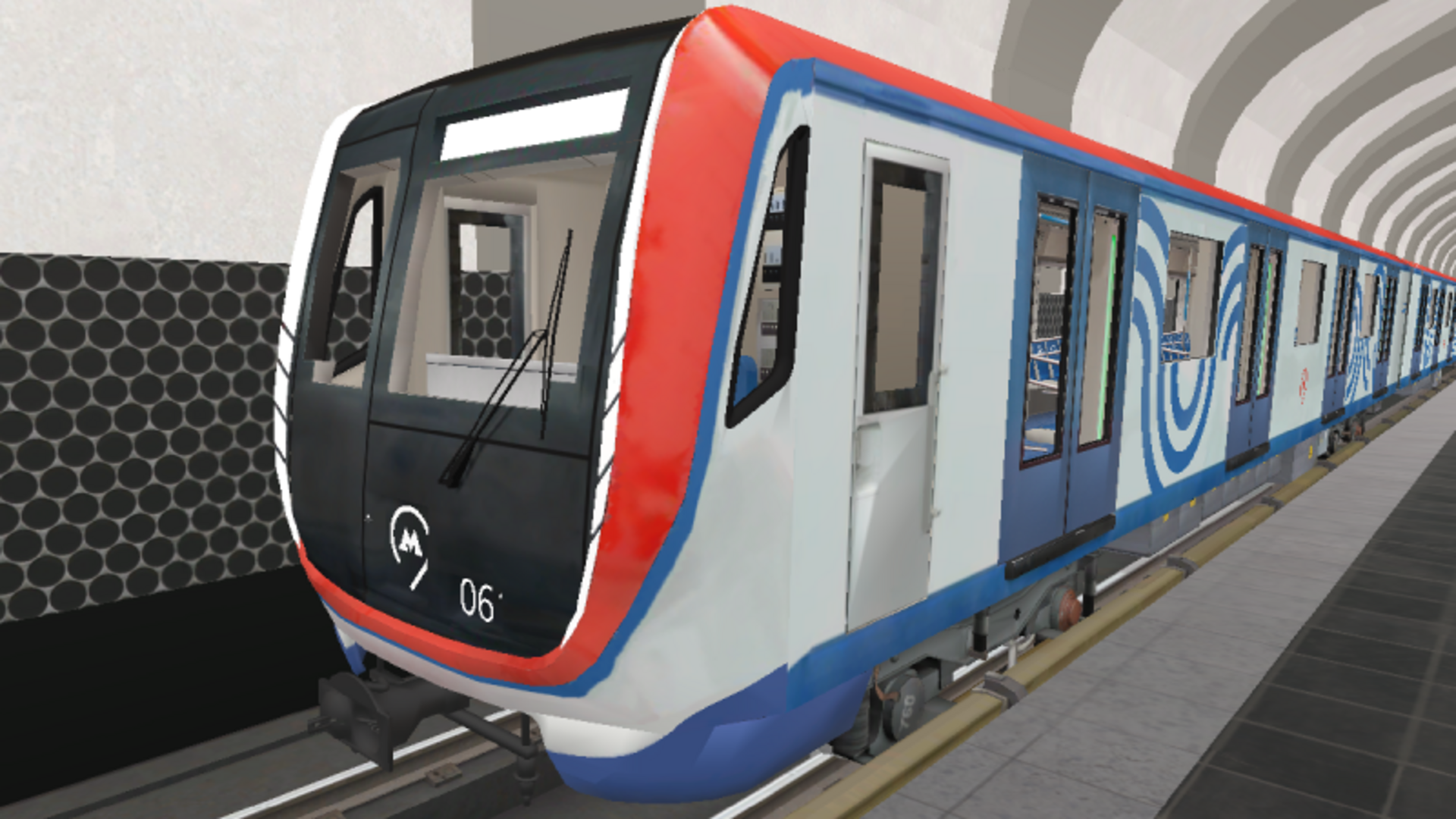
Moscow Metro Simulator invites players to step into the shoes of a train driver in one of the world's most iconic metro systems. From navigating intricate lines to efficiently transporting passengers, every moment is packed with excitement!
Key Features of the Game
- Authentic Experience: Drive actual Moscow metro trains, including the 81-717/714 and 81-760/761 models.
- Diverse Metro Lines: Explore famous stations along the Kalininskaya line, like Tretyakovskaya and Ploshchad Ilyicha.
- Flexible Gameplay: Play in 'Driver Mode' to control the train or 'Training Mode' to learn the ropes.
- Engaging Graphics: Immerse yourself in a detailed and realistic metro environment.
- No Downloads Required: Enjoy the game easily on desktop, tablet, or mobile without any hassle.
Why Players Love Moscow Metro Simulator
Gamers appreciate the realism and strategic complexity of Moscow Metro Simulator. Every ride is an opportunity to improve skills in timing and logistics, making it highly replayable. Its accessibility—being playable in a browser—means anyone can jump in, regardless of device. Moreover, the thrill of rushing through the vast network while ensuring passenger safety keeps players coming back for more.
How Moscow Metro Simulator Compares to Similar Games
When placed alongside other simulation offerings like 'Train Simulator 2021' and 'Subway Simulator', Moscow Metro Simulator stands out by focusing on a singular, meticulously crafted environment that mirrors the real-life Moscow metro system. Unlike broader simulators, this game hones in on specific mechanics and operations within a real regional metro, providing a unique and enriching experience.
Frequently Asked Questions
What is the goal of Moscow Metro Simulator?
The goal is to safely transport passengers while adhering to the schedule.
Are there different game modes available?
Yes, players can choose between 'Driver' and 'Training' modes.
Can I play the game on my mobile device?
Absolutely! The game is optimized for desktop, tablet, and mobile.
How do I control the trains in the game?
Use the speed dial and buttons for various actions like opening doors and switching headlights.
Is registration required to play?
No, you can start playing immediately without any registration.
Related Entities
- Simulation Games: Games that mimic real-life activities, providing immersive experiences.
- Driving Games: Focused on vehicle operation, appealing to those who enjoy speed and management.
- Puzzle Games: For players who like to strategize and solve logistical challenges while playing.