Shape Ascent - Roguelite
4.8PPuzzle
Shape Ascent - Roguelite
4.8
Description
Instructions
Categories
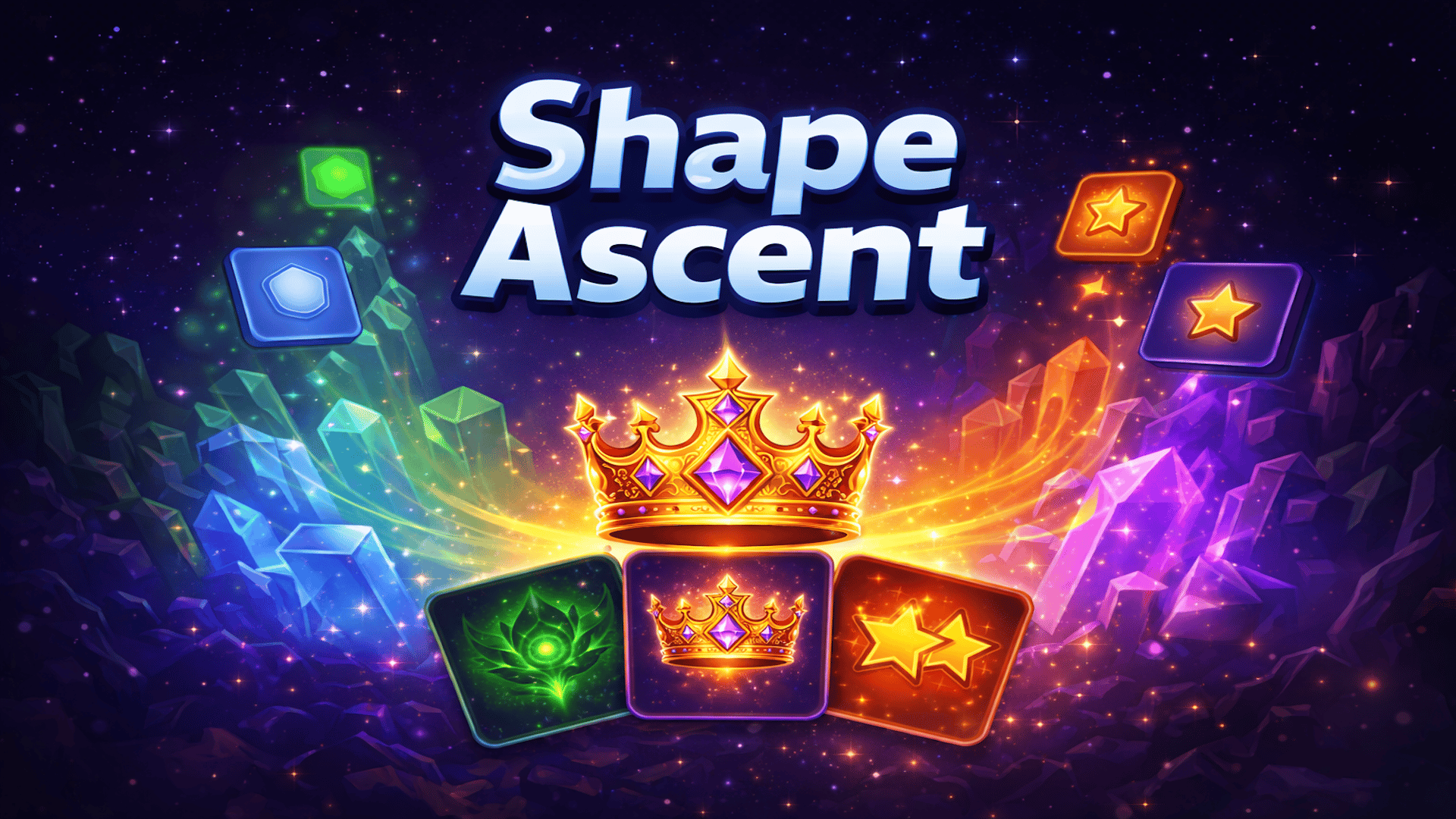
Shape Ascent - Roguelite is an engaging strategic puzzle game where players merge geometric shapes to reach the illustrious Ascent Crown. Set on a dynamic 5×5 grid, you'll start with basic Shapes like Triangles and Squares. As you strategically swipe in four directions, these shapes combine into more complex forms like Pentagons, Hexagons, Stars, and eventually lead you to the ultimate goal: the Ascent Crown (8128).
Key Features of the Game
- Seamless gameplay experience across desktop, tablet, and mobile.
- Unique roguelike card system with Common, Rare, and Epic Power Cards.
- A total of 13 shape tiers to explore and master.
- Manage Undo charges and utilize the Remove Tile tool strategically.
- Rewarding milestone celebrations and a save system for continuous play.
- Available in multiple languages for global accessibility.
Why Players Love Shape Ascent - Roguelite
Players appreciate Shape Ascent for its captivating merging mechanics and strategic depth, offering an exciting combination of logic, planning, and skill. The no-download, no-registration approach makes it easy for everyone to jump right into the action, while the roguelike elements ensure no two runs are ever the same, which greatly enhances replayability. The thrill of chasing higher-level shapes and achieving the Ascent Crown keeps players coming back for more.How Shape Ascent Compares to Similar Games
Shape Ascent stands out from other puzzle games like 2048 and Super Hexagon due to its combination of merging mechanics and roguelite elements. While 2048 is limited to simple merges, Shape Ascent’s introduction of Power Cards adds layers of strategy. Comparatively, Super Hexagon is fast-paced, focusing more on reflexes than strategic planning. Shape Ascent allows players to take their time and think through their moves, making it an excellent choice for both casual players and strategic thinkers.Frequently Asked Questions
What platforms can I play Shape Ascent - Roguelite on?
You can play Shape Ascent on desktop, tablet, and mobile devices, all without any downloads or registrations.How do I control the game?
You can control the game using keyboard arrows on PC or by swiping on mobile devices. Refer to the instructions for detailed controls.What happens when the board fills up?
If the board fills up and you make moves with no possible merges, the game ends, so strategize your movements wisely.How does the Power Card system work?
Every few moves, you’ll have the opportunity to choose a Power Card that can offer various advantages, like score boosts or emergency saves.Is Shape Ascent available in other languages?
Yes, Shape Ascent is available in six languages, making it accessible to a diverse audience.Related Entities
- Merge Puzzle Games
- Strategic Thinking Games
- Roguelite Games
Instructions
PC Controls
- ↑ (Up Arrow) or W: Move all tiles upward.
- ↓ (Down Arrow) or S: Move all tiles downward.
- ← (Left Arrow) or A: Move all tiles left.
- → (Right Arrow) or D: Move all tiles right.
- U: Use an Undo charge.
Mobile Controls
- Swipe Up: Move all tiles upward.
- Swipe Down: Move all tiles downward.
- Swipe Left: Move all tiles left.
- Swipe Right: Move all tiles right.
- Tap the Undo button (↩) to reverse your last move.
- Tap the Remove button (✖) to select and remove a tile from the board.
Gameplay Steps
- Start the game and familiarize yourself with the grid layout.
- Begin merging the Triangles and Squares by swiping in the desired direction.
- As you merge shapes, watch for opportunities to combine them into higher tiers like Pentagons and Hexagons.
- Every few moves, select a Power Card that can change the course of your game.
- Use the Undo option if you make a mistake, but manage your charges wisely.
- Aim to avoid filling the grid completely, as this will end your run.
- Celebrate your milestones and aim to reach the Ascent Crown.
Beginner Tips
- Focus on merging shapes in corners and edges first to create space.
- Always plan a few moves ahead; try to predict what shapes will come next.
- Use the Remove Tile tool wisely to eliminate shapes that might block potential merges.
- Don’t waste Undo charges; only use them if absolutely necessary.
- Keep experimenting with different strategies with each game to learn from mistakes.
Comments
Please Login to write a comment.
Loading...
Play next
Free Online Games at Gamesed
Gamesed features the latest and best free online games. You can enjoy playing fun games without interruptions from downloads, intrusive ads, or pop-ups. Just load up your favorite games in your web browser and start playing.