Categories
Navigation
Worms

Worms

4.9PPuzzle
Worms

Worms

4.9
Description
Worms
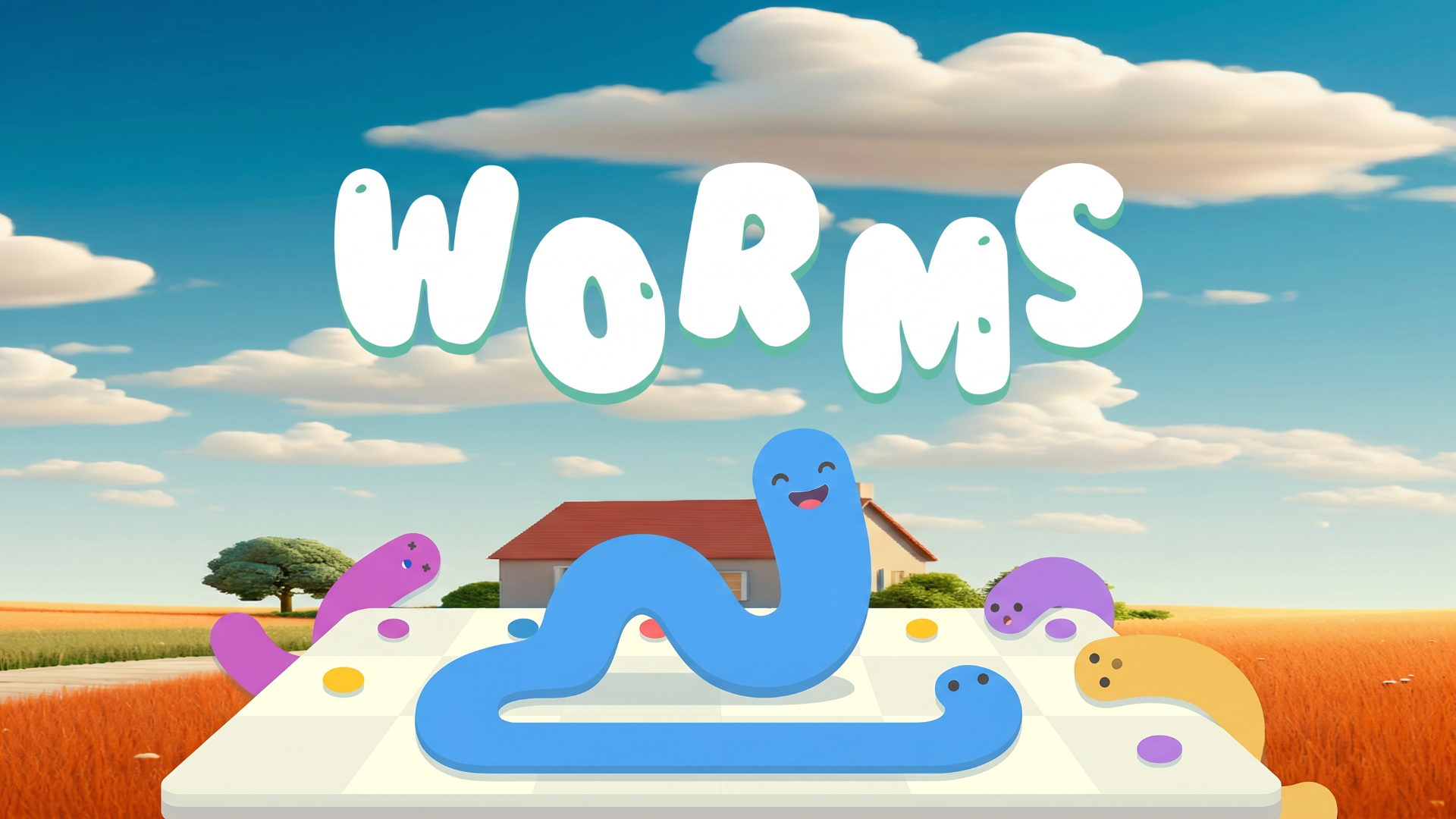
Worms is an engaging and inventive puzzle game that invites players of all ages to exercise their logic and problem-solving skills. In this delightful game, players assist adorable, colorful worms in navigating small tile boards to reach their destination. The game is designed for quick engagement, allowing you to take on bite-sized levels that are perfect for a few minutes or extended play sessions.

## Key Features of the Game
  • Easy-to-learn gameplay with intuitive swipe controls.
  • Colorful visuals and charming character designs.
  • Hundreds of challenging levels that increase in complexity.
  • Great for quick breaks or as a winding-down activity.
  • Play anywhere: accessible on desktop, tablet, and mobile.
  • No downloads or registrations required.

## Why Players Love Worms
Players appreciate Worms for its simplicity and growing depth, making it accessible to newcomers while providing a challenge for seasoned puzzle enthusiasts. The bite-sized levels encourage replayability, perfect for a casual gaming session. It combines both relaxation and fun effectively, appealing to a wide audience.

## How Worms Compares to Similar Games
Compared to other puzzle games like Rainbow Riddle and Candy Crush, Worms offers a unique twist with its focus on guiding characters through levels, rather than matching colors or shapes. The charming visuals and unique puzzle mechanics set it apart, while maintaining the addictive qualities found in other popular titles.

## Frequently Asked Questions
What platforms can I play Worms on?
Worms is available to play on desktop, tablet, and mobile devices through your web browser.

Is there a cost to play Worms?
No, Worms is entirely free to play with no downloads or registrations required.

What age group is Worms suitable for?
Worms is fun for all ages, making it perfect for families and casual gamers alike.

Are there any time constraints in the game?
No, you can take as much time as you need to complete each level without any pressure!

Is Worms a single-player game?
Yes, Worms is primarily a single-player experience, focusing on solving each level's puzzle at your own pace.

What are the basic controls for Worms?
You can use the arrow keys on your keyboard or swipe on the screen to navigate the worms across the tiles.

## Related Entities
Puzzle games, casual gaming, mobile games, family-friendly games.

Instructions

PC Controls

  • Use the arrow keys on your keyboard to move the worms in the respective directions:
  • Up Arrow: Move worms up.
  • Down Arrow: Move worms down.
  • Left Arrow: Move worms left.
  • Right Arrow: Move worms right.

Mobile Controls

  • Swipe in the desired direction to move the worms on your touchscreen device:
  • Swipe Up: Move worms up.
  • Swipe Down: Move worms down.
  • Swipe Left: Move worms left.
  • Swipe Right: Move worms right.

Gameplay Steps

  1. Launch the game via your browser on desktop, tablet, or mobile.
  2. You will be presented with a tile board filled with colorful tiles.
  3. Your objective is to guide the cute worms to collect all the dots and reach the designated endpoint.
  4. Use your controls (arrow keys or swipe gestures) to move the worms strategically across the tiles.
  5. Pay attention to the layout as puzzles grow in complexity with each level.
  6. Complete all levels by successfully guiding the worms within the goal.

Beginner Tips

  • Start with simpler levels to understand the mechanics before diving into more complex puzzles.
  • Plan your moves beforehand, as some levels may have limited moves available.
  • Look for patterns in the puzzle to optimize your path and solve it quickly.
  • Don’t rush; take your time to visualize the best way to get all the dots.
  • Enjoy the visuals and have fun; remember, it’s all about relaxation!
Categories

PuzzleCasualSkill

Comments
Loading...